Quote it from the curb. Book it by lunch.
Fast, clear quotes for driveways, siding, and decks, add-ons that sell themselves, and a spring calendar that fills without phone tag.

Before and after
The paperwork side of pressure washing, handled.
BeforeQuotes scribbled on the back of a card.
With JobSignerBuild a quote from saved services in minutes, send a private link, and get the yes recorded.
BeforeSpring demand, winter systems.
With JobSignerPut every job on one calendar with the crew assigned, and move work fast when the weather turns.
Before“Can you do the deck too?”
With JobSignerCustomers can request more work from their quote or invoice link, and it lands on your Home screen.
A typical week
Your week, on one screen.
Recurring work and one-off jobs share the same calendar. Each visit carries the address, the crew, and the instructions, and your team sees their own day on iPhone or the web.
- One-off, weekly, and monthly visits
- Crews assigned per visit
- Reschedule in seconds when plans change
Example week · Northside Pressure Washing
- House washHughes · 7 Maple8:00
- DrivewayBaker · 9 Birch Ct11:30
- Deck + fenceThompson · 41 Willow1:30
- EstimateBrooks · Elm St4:00
Complete visit
Siding and walkway done. Moved the planters back.
Mark complete- Soft wash, 2-story siding$385.00
- Driveway, up to 800 sq ft$160.00
- Walkways and steps$75.00
Quotes and payments
A quote that looks like you mean business.
Build it from your own services and prices, send a private link, and the approval is recorded on the quote. When the work is done, the invoice is one click away and customers can pay online.
Start to finish
How a pressure washing job runs in JobSigner.
Quote in minutes
Add surfaces from saved services and send a private link while you’re still in the driveway.
Lock the date
Convert the approval into a job and pick the day and crew.
Show the difference
Crews attach before-and-after photos to the visit.
Get paid
Invoice on completion and let customers pay from their phone.
Win more pressure washing work
Get found for “pressure washing near me.”
Before-and-after photos sell this work. We put them where local searchers will see them.
Sponsored
NNorthside Pressure Washinghttps://northsidepressurewashing.com
Pressure Washing You Can Count On | Free Quotes
Local, licensed, and insured. Clear pricing, on-time crews, and easy online payments. Request your quote in under a minute.
ServicesService areaRequest a quote
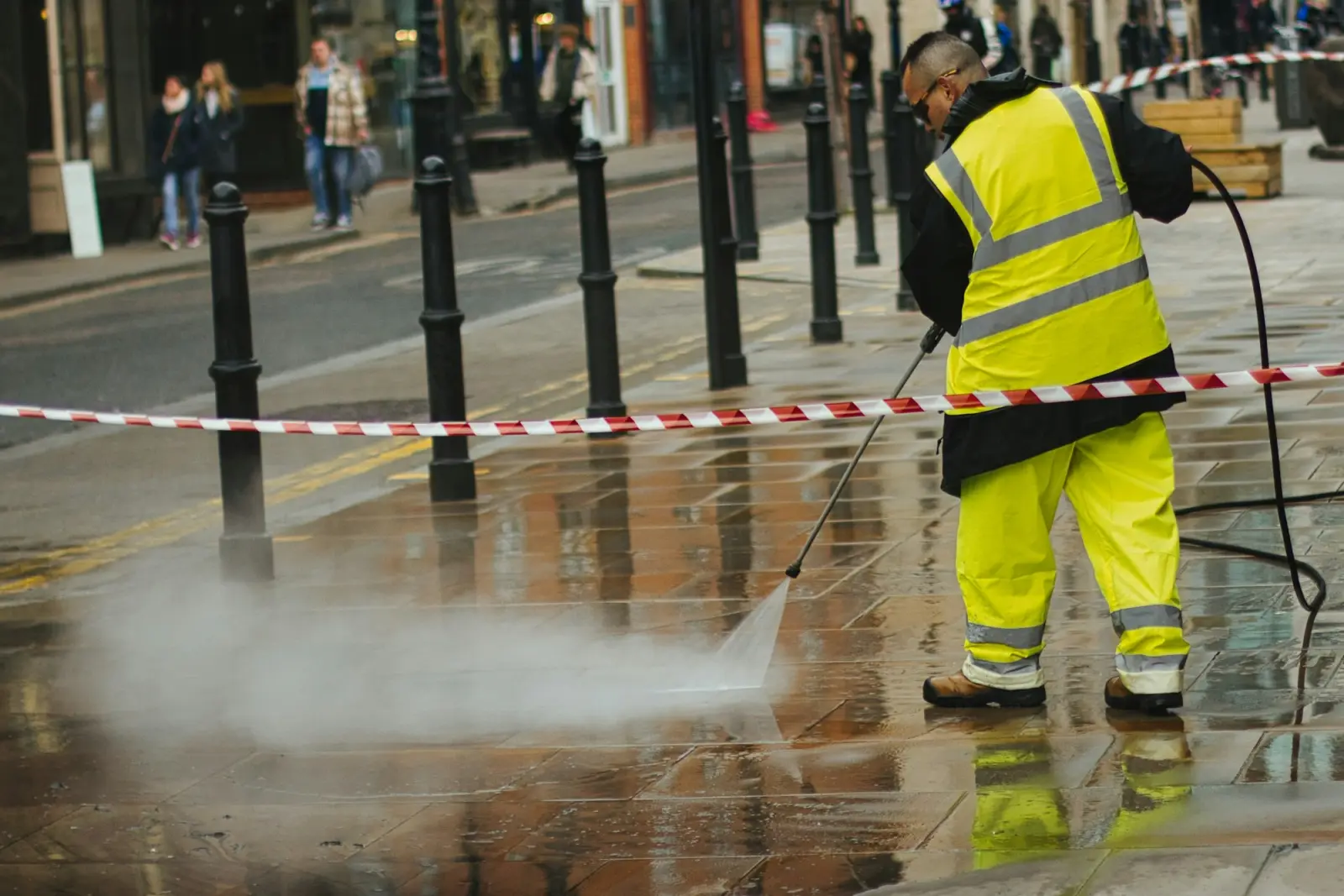
Before-and-after photos: how job documentation prevents disputes
“That scratch was already there” is a lot easier to say with a timestamped photo. Good documentation takes two minutes a visit.Scheduling & crewsThe rain delay playbook: rescheduling without losing customers
Weather will wreck your week several times a season. A simple playbook turns a mess of phone calls into a 15-minute reshuffle.Pricing & quotesHow to write a contractor quote that wins the job
Customers rarely pick the cheapest quote. They pick the one they understand, from the business that seems easiest to work with.Questions
Pressure washing, answered.
Can I price by surface or package?
Yes. Save services any way you price them: per surface, per square foot range, or as packages. Adjust quantities per quote.
Can I add before-and-after photos?
Crews can attach photos when they complete a visit, and you can keep files on the customer record.
Can I schedule commercial accounts regularly?
Yes. Set up weekly or monthly visits for storefronts, lots, and other commercial properties.
What if weather pushes a job?
Reschedule the visit and the crew’s phone updates. Appointment reminders follow the new time.
Ready when you are
Put your name
on less paperwork.
Start with a few jobs alongside the way you work today. Keep your current software, spreadsheets, or paper running until you’re ready to switch.
14-day free trial. No card needed. If you add one, your selected plan starts billing automatically when the trial ends unless you cancel before then.