From leak to paid, without the paper trail.
Emergency calls, water heater swaps, and remodel rough-ins, with the job site’s history one tap away and invoices that go out before the truck leaves.
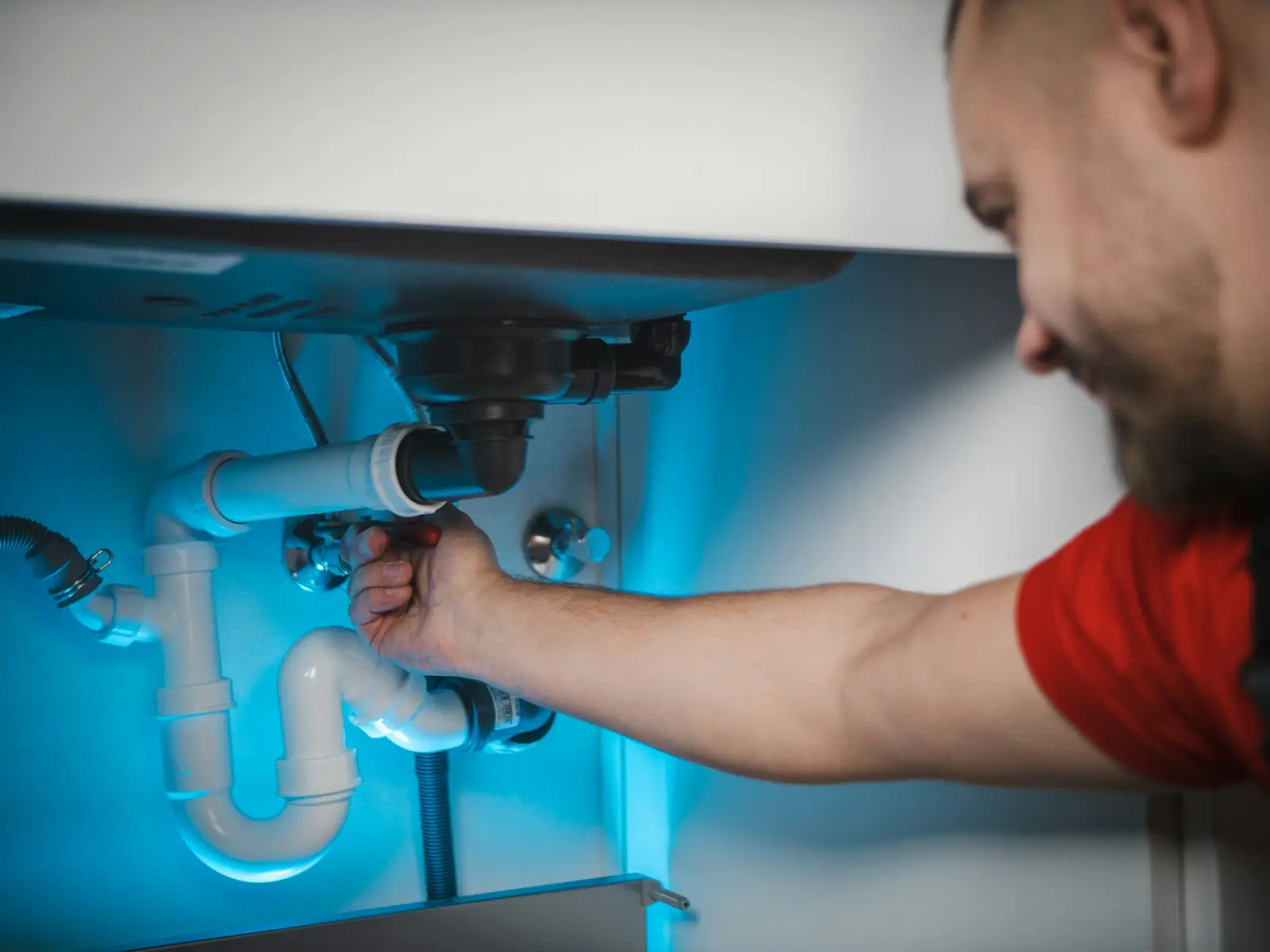
Before and after
The paperwork side of plumbing, handled.
BeforeCallbacks with no history.
With JobSignerOpen the customer to see what was done, when, and by whom, with photos.
BeforeInvoices written in the truck.
With JobSignerCreate the invoice from the job, email it, and let the customer pay by card or bank.
BeforeRemodel jobs with three phases.
With JobSignerBill rough-in, top-out, and finish as milestones on one invoice.
A typical week
Your week, on one screen.
Recurring work and one-off jobs share the same calendar. Each visit carries the address, the crew, and the instructions, and your team sees their own day on iPhone or the web.
- One-off, weekly, and monthly visits
- Crews assigned per visit
- Reschedule in seconds when plans change
Example week · Northside Plumbing
- Leak repairBaker · 9 Birch Ct7:45
- Water heaterMiller · 14 Oak Ln10:00
- Drain clearingWalsh · 220 Main1:30
- EstimateHughes · 7 Maple3:30
Complete visit
Replaced shutoff valve under the sink. No leaks.
Mark complete- 50 gal gas water heater$1,480.00
- Expansion tank + fittings$260.00
- Haul-away of old unit$95.00
Quotes and payments
A quote that looks like you mean business.
Build it from your own services and prices, send a private link, and the approval is recorded on the quote. When the work is done, the invoice is one click away and customers can pay online.
Start to finish
How a plumbing job runs in JobSigner.
Log the call
Add the customer or open their record with past work and notes.
Quote the fix
Send a clear quote for approval, or go straight to a job for small calls.
Fix and photograph
Record what was done, with photos, on the visit.
Invoice before you leave
Send the invoice and take payment online or record a check.
Win more plumbing work
Get found for “plumber near me.”
Plumbing searches are urgent and local. Paid search and a complete Business Profile catch those calls.
Sponsored
NNorthside Plumbinghttps://northsideplumbing.com
Plumbing You Can Count On | Free Quotes
Local, licensed, and insured. Clear pricing, on-time crews, and easy online payments. Request your quote in under a minute.
ServicesService areaRequest a quote
Progress billing for contractors: how to bill big jobs in stages
Floating two weeks of labor and materials on a big job is how small contractors run out of cash. Billing in stages fixes that.Pricing & quotesHow to write a contractor quote that wins the job
Customers rarely pick the cheapest quote. They pick the one they understand, from the business that seems easiest to work with.Getting paidHow to get paid faster: 10 invoicing habits that work
Most late payments aren’t about money. They’re about friction. Remove it, and the checks come in sooner.Questions
Plumbing, answered.
Can I handle emergency calls?
Create a job and visit for any time, assign a plumber, and they’ll see it on their phone immediately.
Can I bill remodels in phases?
Yes. Use milestones on the invoice, like rough-in, top-out, and finish, and record payments as they come in.
Can customers pay on the spot?
Once online payments are active, customers can pay by card or bank from the invoice link. You can also record cash and checks.
Can I see a property’s past work?
Yes. Every visit, note, photo, quote, and invoice stays on the customer record for that address.
Ready when you are
Put your name
on less paperwork.
Start with a few jobs alongside the way you work today. Keep your current software, spreadsheets, or paper running until you’re ready to switch.