Recurring treatments that run themselves.
Monthly and quarterly service plans on autopilot, treatment notes on every visit, and billing that doesn’t need a Sunday afternoon.
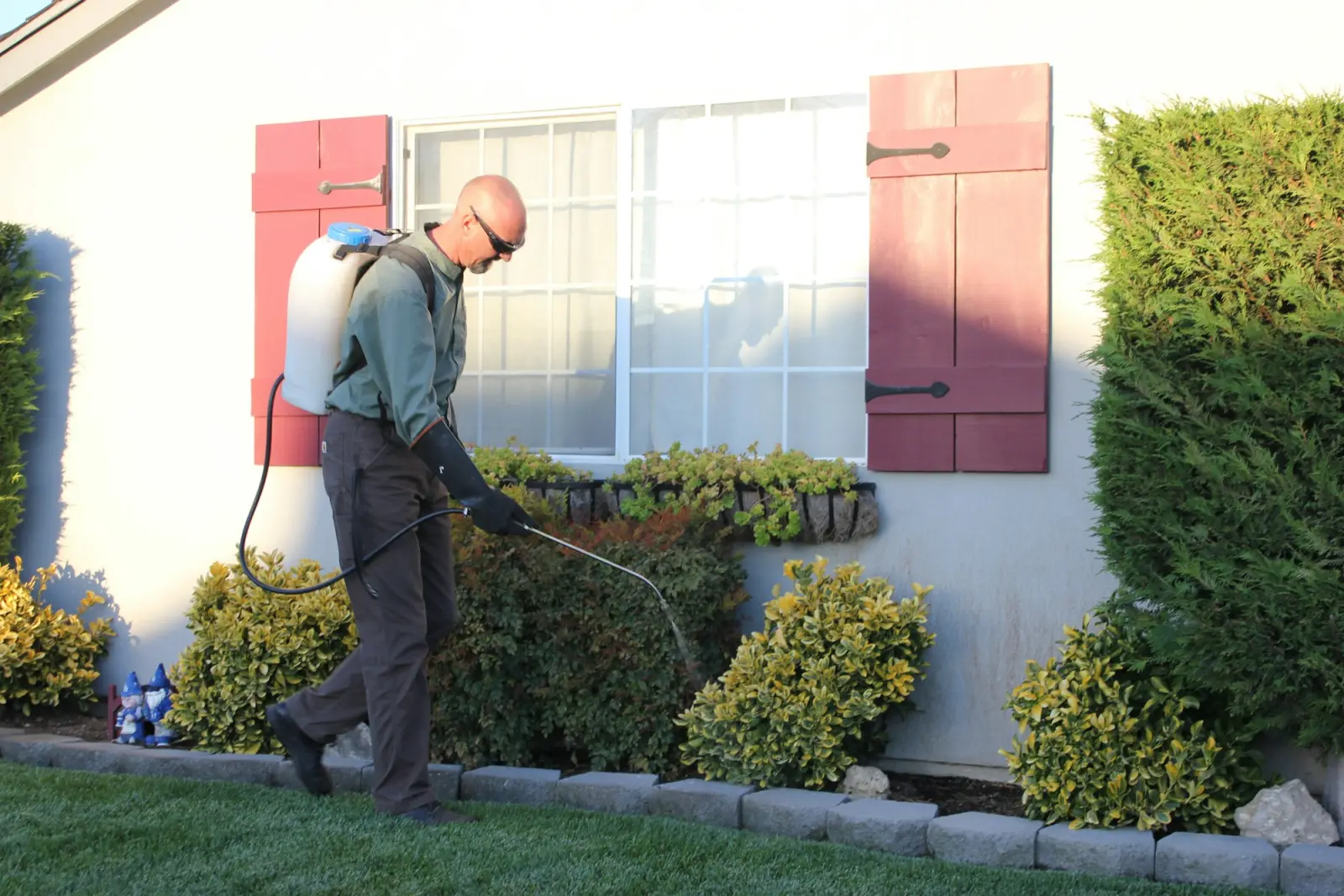
Before and after
The paperwork side of pest control, handled.
BeforeQuarterly plans on a spreadsheet.
With JobSignerRecurring monthly visits keep every plan on the calendar, assigned to a tech.
BeforeWhat did we treat last time?
With JobSignerNotes and photos from every visit live on the property’s history.
BeforeCallback or new job?
With JobSignerSee recent visits on the customer before you decide, and schedule the follow-up in seconds.
A typical week
Your week, on one screen.
Recurring work and one-off jobs share the same calendar. Each visit carries the address, the crew, and the instructions, and your team sees their own day on iPhone or the web.
- One-off, weekly, and monthly visits
- Crews assigned per visit
- Reschedule in seconds when plans change
Example week · Northside Pest Control
- Quarterly serviceThompson · 41 Willow9:00
- Quarterly serviceBaker · 9 Birch Ct10:30
- CallbackMiller · 14 Oak Ln1:00
- MosquitoHughes · 7 Maple3:00
Complete visit
Perimeter treated, bait stations checked.
Mark complete- Initial treatment$149.00
- Quarterly service (each)$109.00
- Mosquito add-on (each)$59.00
Quotes and payments
A quote that looks like you mean business.
Build it from your own services and prices, send a private link, and the approval is recorded on the quote. When the work is done, the invoice is one click away and customers can pay online.
Start to finish
How a pest control job runs in JobSigner.
Sell the plan
Quote the initial service and recurring treatments.
Schedule the year
Create monthly visits for the plan, assigned to a tech.
Treat and note
Techs log what was treated and where, with photos.
Bill each service
Invoice visits as they’re completed and track payments.
Win more pest control work
Get found for “pest control near me.”
Pest problems are urgent and seasonal. Ads and local SEO help you catch demand when it spikes.
Sponsored
NNorthside Pest Controlhttps://northsidepestcontrol.com
Pest Control You Can Count On | Free Quotes
Local, licensed, and insured. Clear pricing, on-time crews, and easy online payments. Request your quote in under a minute.
ServicesService areaRequest a quote
How to build efficient recurring routes for lawn, pool, and cleaning crews
On a recurring route, the time between stops is where your margin disappears. Tighten the map and the same crew does more.Pricing & quotesHow to write a contractor quote that wins the job
Customers rarely pick the cheapest quote. They pick the one they understand, from the business that seems easiest to work with.Getting paidHow to get paid faster: 10 invoicing habits that work
Most late payments aren’t about money. They’re about friction. Remove it, and the checks come in sooner.Questions
Pest control, answered.
Can I set up quarterly plans?
Create monthly visits on the schedule that fits the plan, or schedule quarterly visits individually. Each visit can be moved or cancelled on its own.
Where do treatment notes go?
On the visit. Notes and photos stay in the property’s history for the next tech.
Can I handle callbacks?
Yes. Add a visit to the existing job and assign it, with the original notes right there.
Can I serve commercial accounts?
Yes. Customers can have multiple properties, each with its own schedule and instructions.
Ready when you are
Put your name
on less paperwork.
Start with a few jobs alongside the way you work today. Keep your current software, spreadsheets, or paper running until you’re ready to switch.